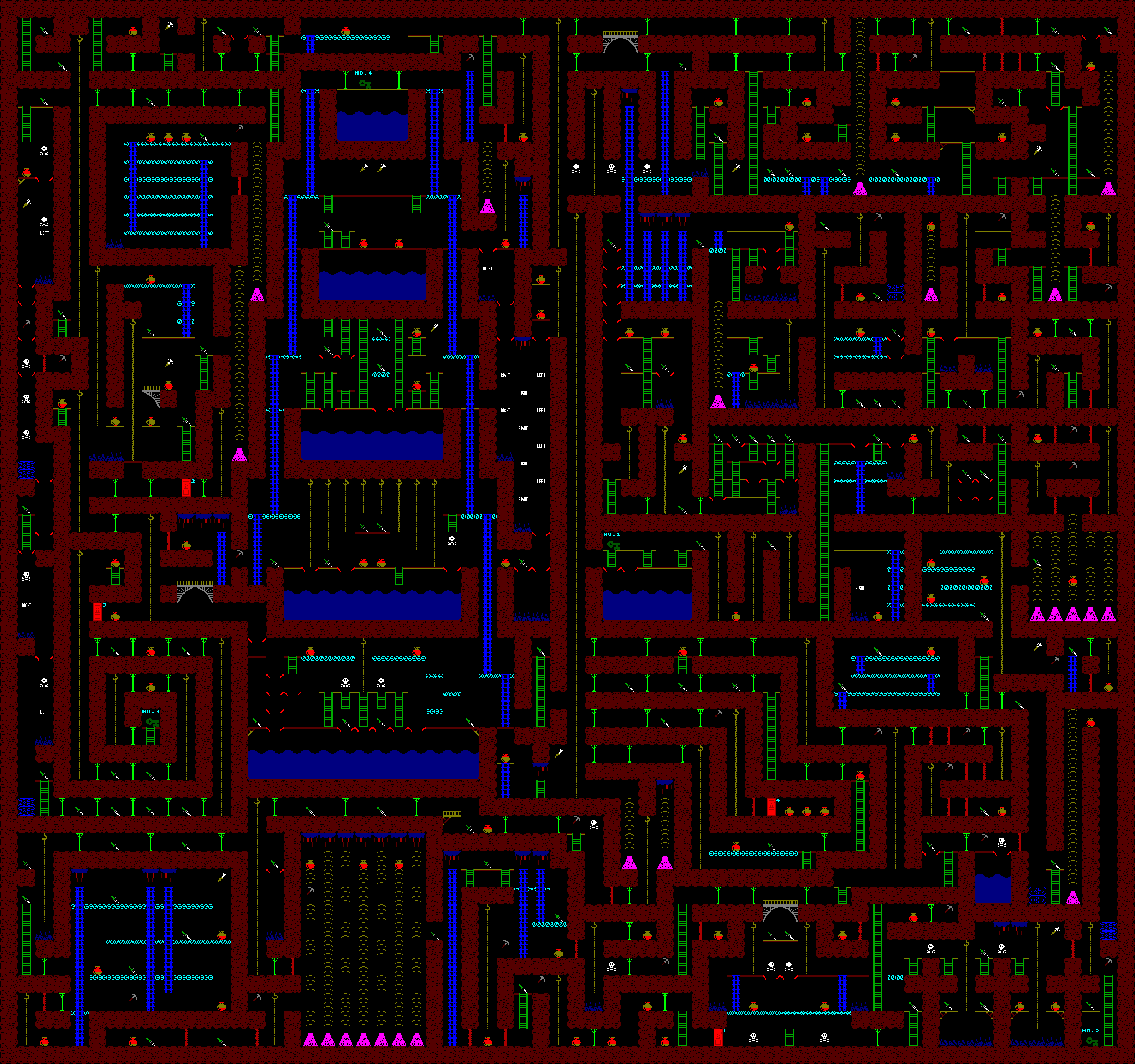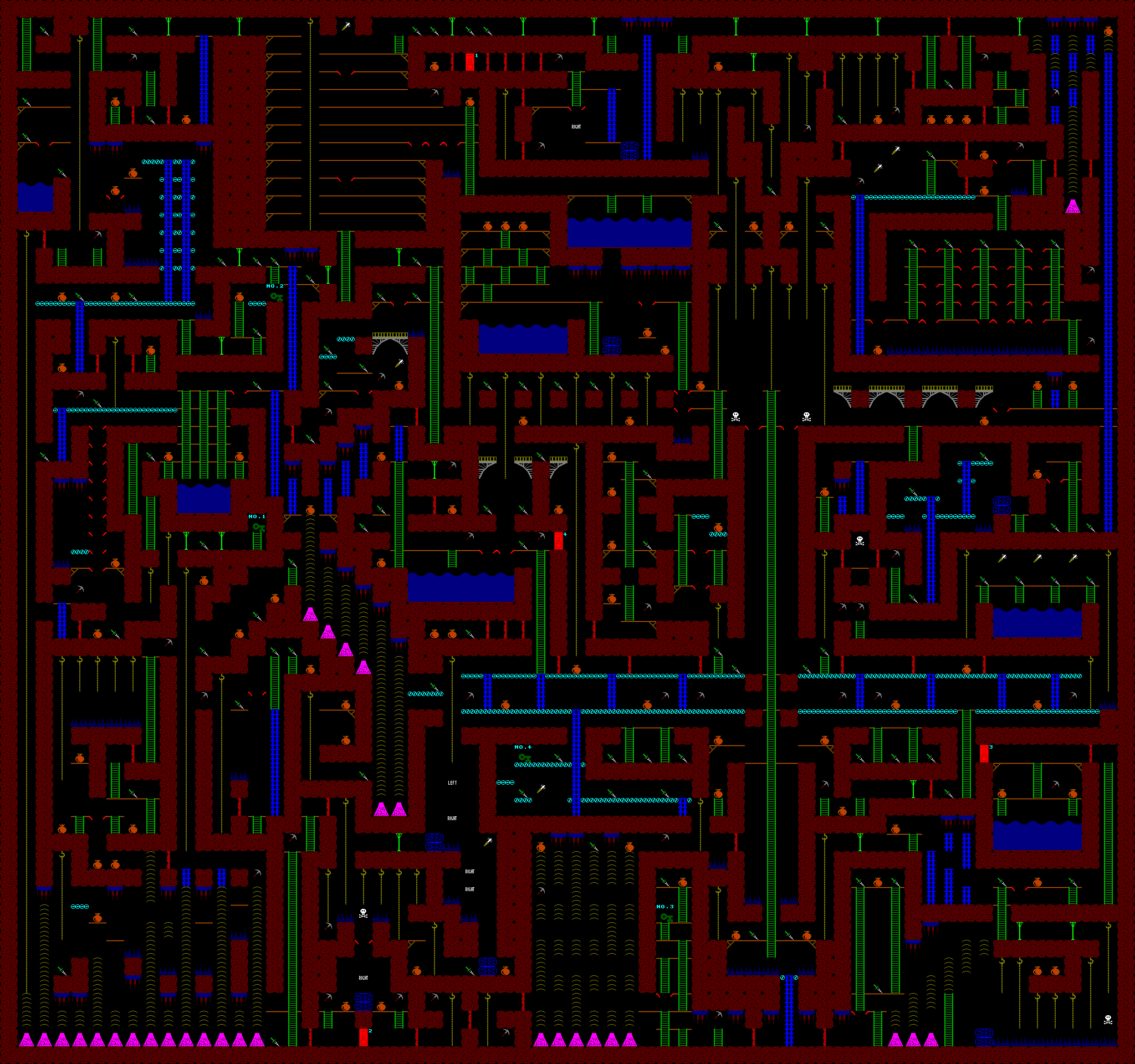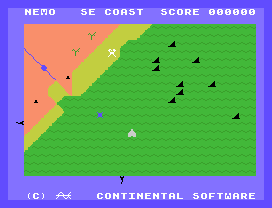


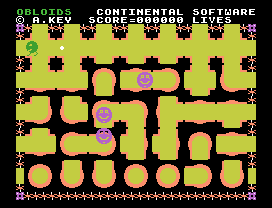


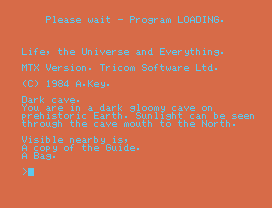


Yes, I am the Andy Key who wrote all those old Memotech MTX games. Guilty as charged.
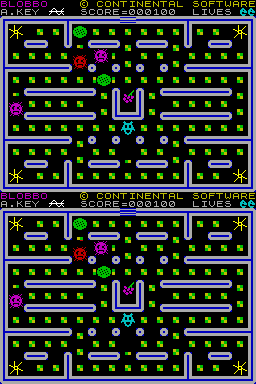
Here are some screenshots :-
These games (and games by others) are all bundled within, and can be played on, the MEMU Memotech Emulator.
I made a few hundred quid from royalties from these games. I used this money to fund bigger and better computers.
I also wrote a port of Blobbo for the Sinclair Spectrum :-
There were other games that were never finished :-
Back in these days, computers were really slow and small. The amazing thing is that it was possible to write playable games. We used all sorts of devious tricks to fit them in, such as self-modifying code, initialisation code that was overwritten later with data, using the stack to move/copy data, precomputing everything and storing it in lookup-tables, etc...
If you could find a way to do something cool on the computer, then you probably had the kernel of a game. eg:
Most games were written in 4 to 6 weeks, working most days. I didn't get out much as a kid.
Unfortunately, I've lost the source to the games. Occassionally I try to reverse engineer SMG2M a little further.
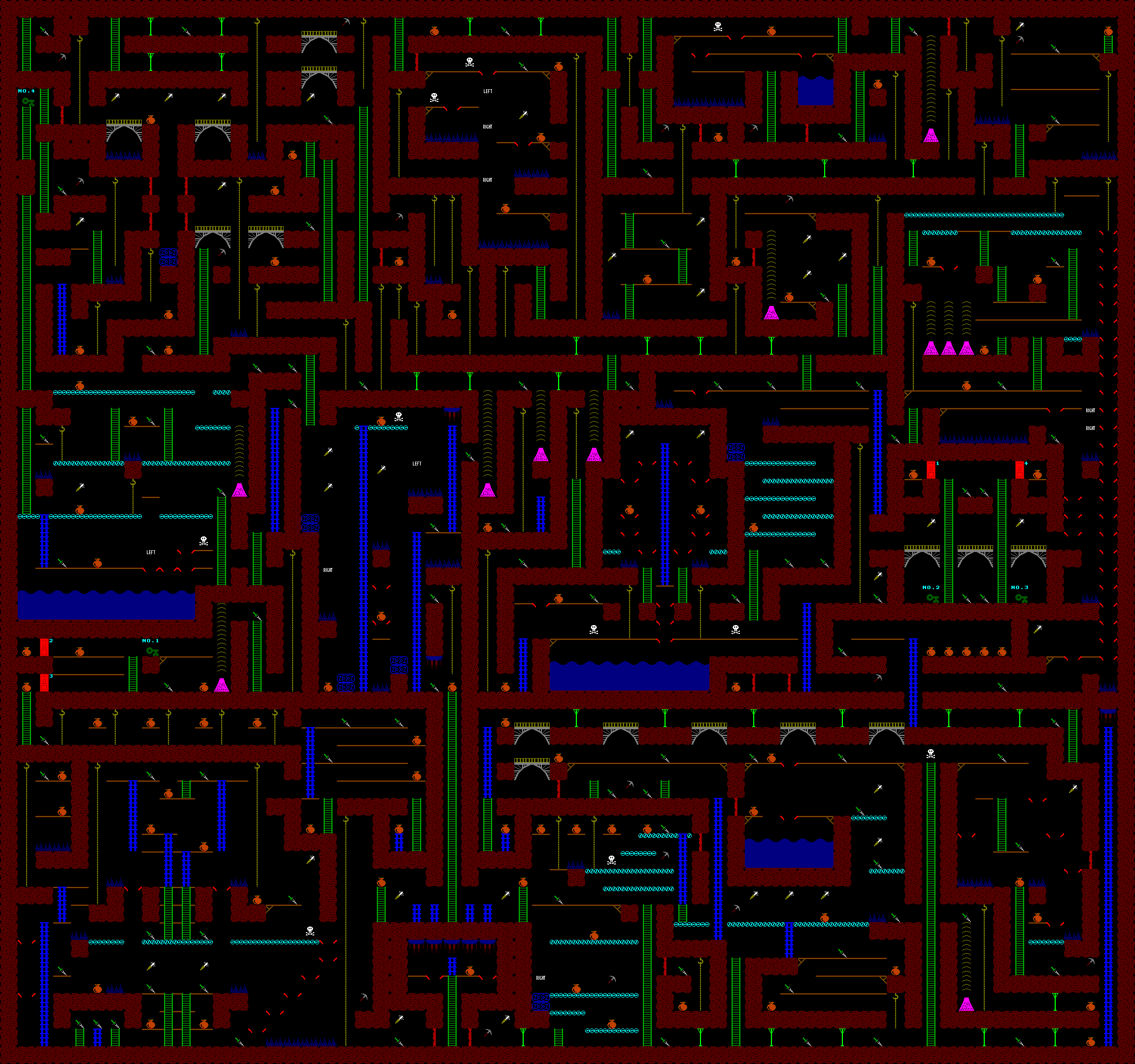
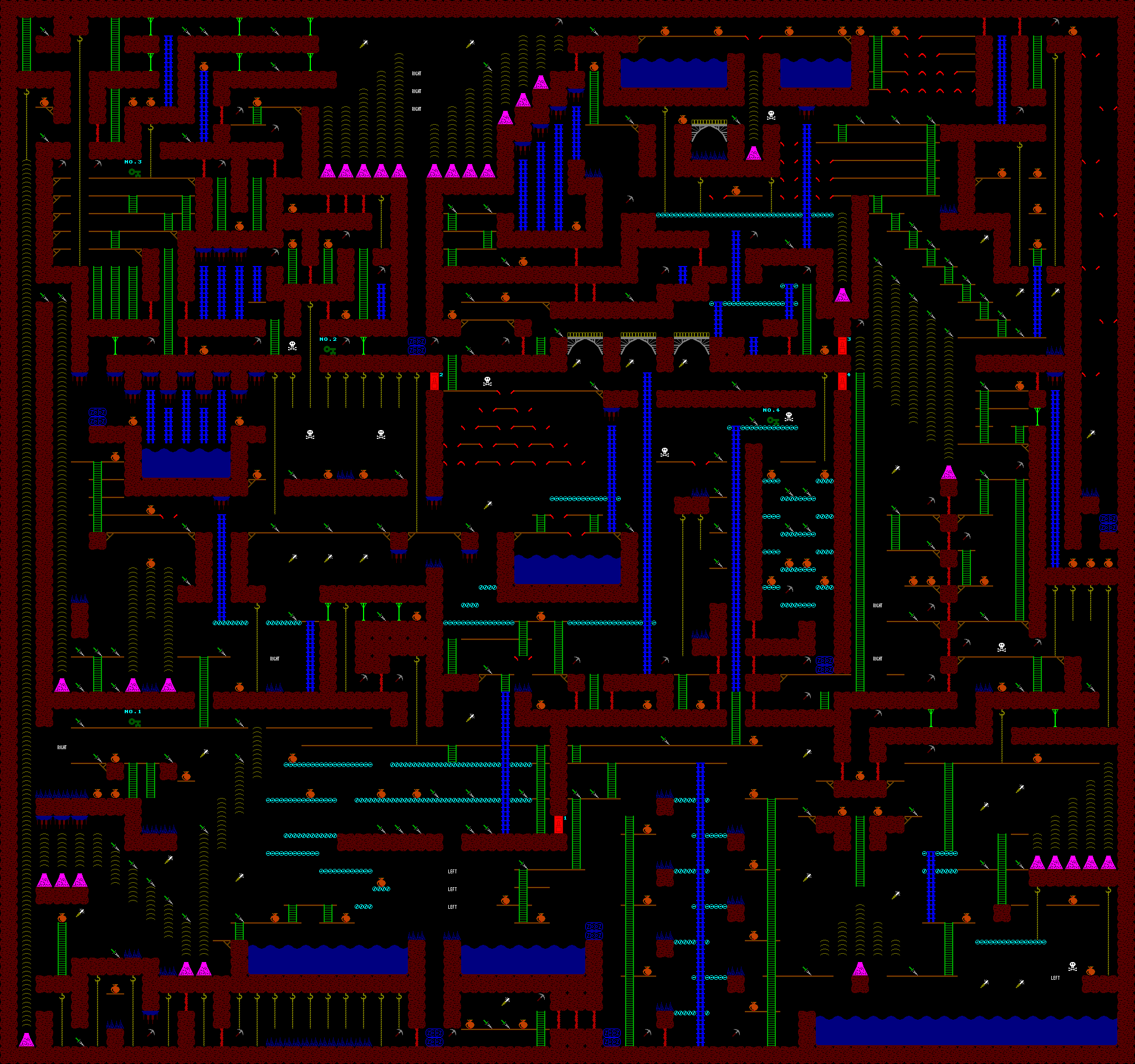
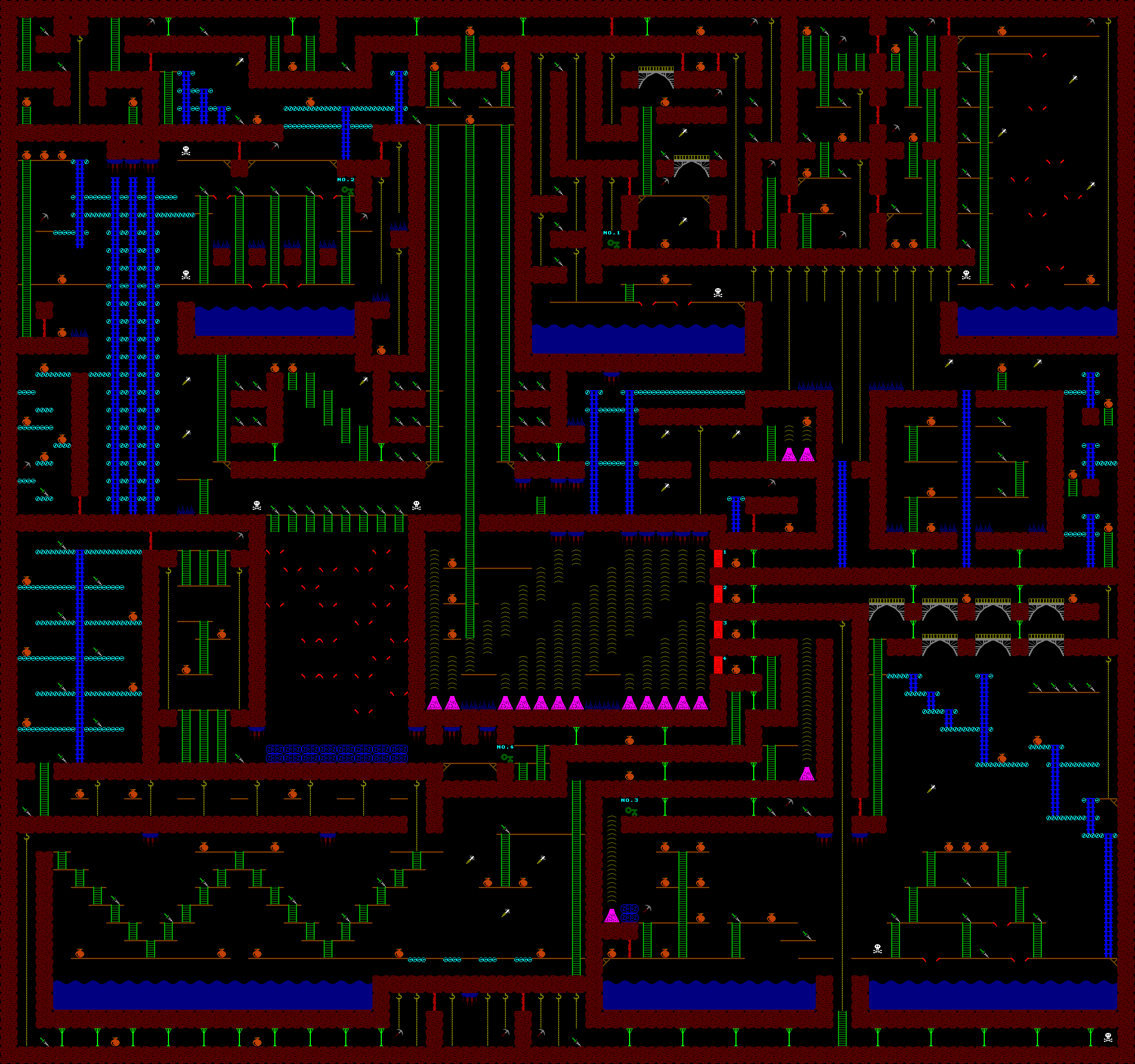
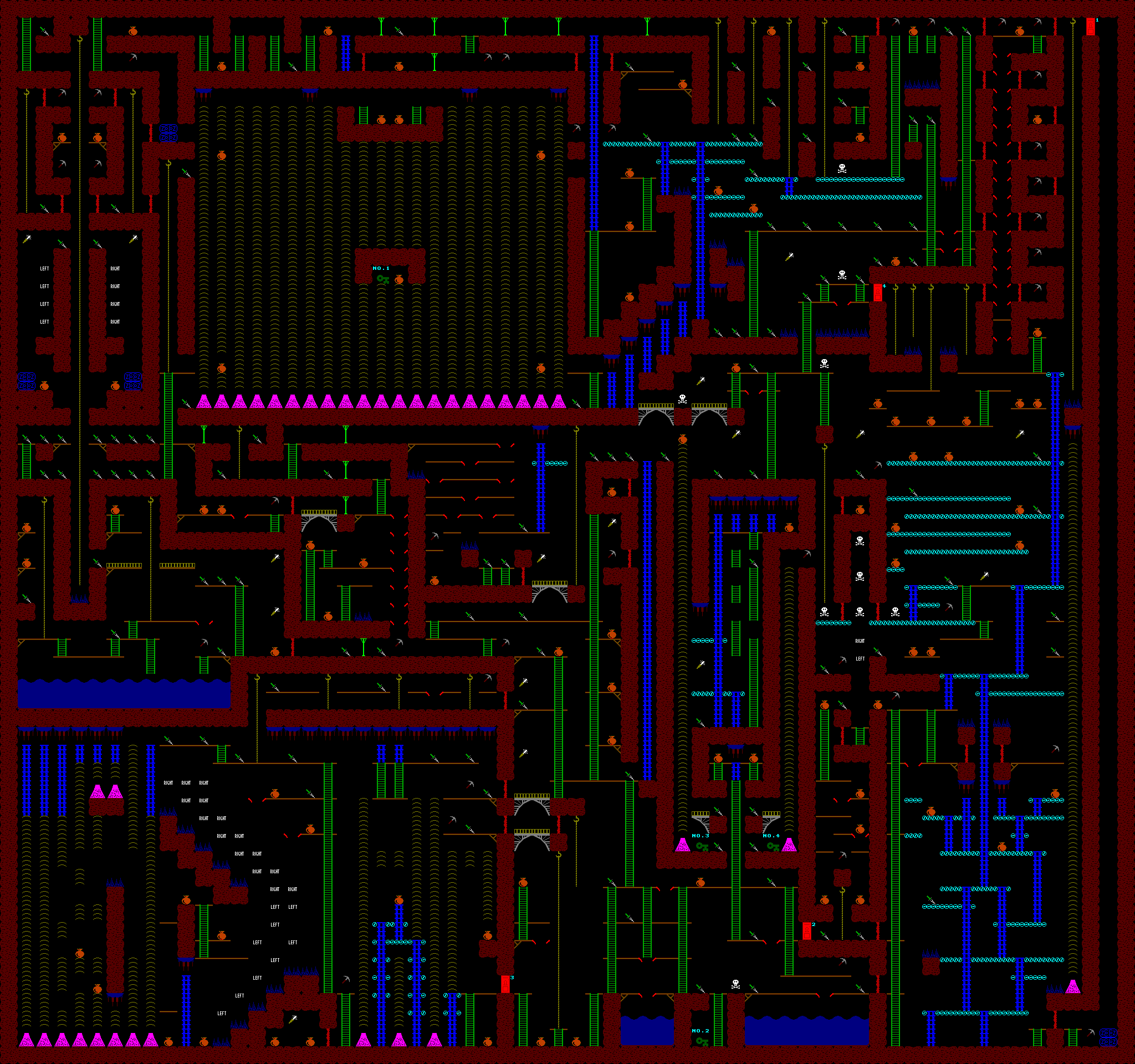
Here are the mazes for SMG2M -
1,
2,
3,
4,
5,
6.
My daughter and I reverse engineered the map to the
Caves of the Orb, from the CP/M version.
The cassette version with graphics is probably the same or similar.
In 2016, after a 30 year break, I wrote a new game called
HEXTRAIN :-
This is described here.
A company in Rome saw SMG and approached me to write some MTX software
for a product to be used to help train the Sicilian military!
The MTX screen was attached to the sights of a real ground-to-air "turalite"
(gun), and it would display a view of a missile flying through the sky,
in a parabolic arc.
Two soldiers, one controlling the side to side motion of the gun, the other
controlling the elevation, would attempt to track the missile, by turning
various dials, hopefully at the right relative speeds with respect to each
other.
My program would receive information regarding the position of the gun
from registers on a bit of custom hardware, and would update the screen
accordingly.
Soldiers would be graded on how much of the time they managed to closely
track the missile.
As a school boy, I flew to Rome to complete this assignment, and for the week
I was there, I had the top floor of a rather nice villa to myself.
I became a millionaire as a result, and although it was only a million Lira,
that was a lot of money for me at the time.
I got hold of the source used in the FDX for the boot ROM, including the
drivers for the keyboard and 80-column card.
I replaced these drivers with my own which accessed the MTX keyboard and the
MTX VDP chip (in a rather low graphic quality 56 column mode).
I also got the source to the The result was a massively smaller and cheaper CP/M system running on a
MTX512 with 3.5" SDX disk, and 512KB of RAM disk.
I also changed to boot order to try the RAM disk (F:51), if it contained what
looked like a valid copy of CP/M.
Failing that, it wall fall back to booting from 3.5" disk (B:3).
Once CP/M and other files were copied to the RAM disk, this system could boot
CP/M in 2 seconds flat, and assemble and link code faster than an SM1.
I had to patch the Newword word processor to make it work properly on
a 56 column screen (rather than 80), but once that was done, this platform
was perfectly good enough for development work.
Memotech used this boot ROM commercially with their first generation of
Video Wall products.
Then I wrote a program Screenshot :-
After Memotech gave up selling home computers, it started designing,
manufacturing and selling video walls.
I wrote the software to control these, which ran on CP/M on the SDX
with my modified boot ROM.
The video walls were controlled by sending command strings down the
centronics printer ports.
This allowed Memotech to use its stock of MTX kit as a part of its
video wall offerings.
I subsequently wrote better software which ran on MS/DOS on the IBM PC.
I still have the source to both the original MTX version and the later
PC version of this.
I even recently modified the PC version to work on modern PC hardware,
which is massively faster than it was at the time.
On the MEMOTECH MTX Computersystem
website is the "Cameron Video Wall Users Guide", which is a scan of the
manual that was created for the video wall program.
Cameron were a distributor for the video walls created by Memotech.
I had no idea this manual had been created.
I had thought it straightforward enough to use without one.
I ported Kermit (a terminal emulator, communicating over RS232) to the
MTX computer.
This wasn't hard, the MTX used similar hardware to other Z80 CP/M based
systems - it was just a matter of finding ports and memory addresses.
This allowed me to transfer files between my MTX and my new PC.
Today I use
MFLOPPY.

Z ZX Spectrum Emulator
Military Training
SDX with CP/M
SIDISC.COM program, which installed
CP/M support for Silicon Discs and RAM discs, and integrated this so it was
a part of my new boot ROM.
This ROM was known as the SCPM ROM, and has been mentioned above.
RCPMGEN.COM, which would read the RAM
disk and create ROM images to burn EPROMs with.
These ROMs would be used with a RSCPM boot ROM, which at boot time
would copy the RAM disk images from ROM to RAM disk.
The net effect was you could make a MTX512 with MTX ROM card and MTX RAM card
and no floppy disk, which booted CP/M from ROM.
This made use of a "sub-page" feature in later ROM cards whereby one of a
number of 8KB pages could appear in a single ROM page slot,
selected by writing to location 0 in memory.
Video Walls

Kermit
This page maintained by Andy Key
andy.z.key@googlemail.com